
Google Maps Is Your Free Storefront: Get Found and Take Orders Without a Website
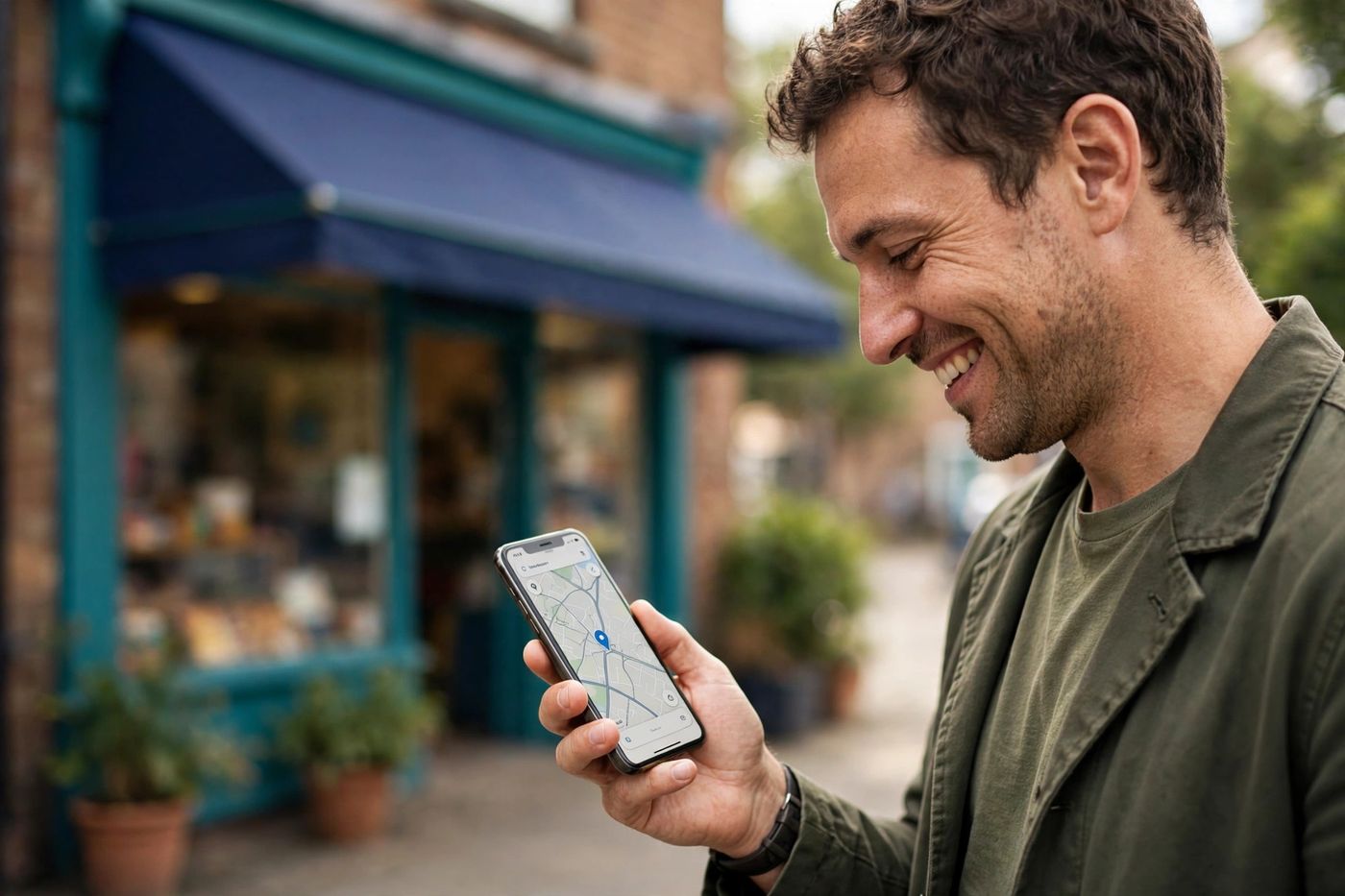
Here is the expense nobody questions: a website. Design, hosting, maintenance — hundreds before the first customer. But look at how customers actually find a local business: they open Google Maps, search "near me", read three reviews and tap a button. That listing is free, and for many small businesses it can be the whole storefront — the page, the menu, the catalog and the cash register's front door.
Here is how to make your Google Business Profile do that job, with Muse writing the parts that take time.
1. Claim and complete the profile — all of it
Search your business on Google Maps and claim the listing (or create it) at Google Business Profile. Then complete every field; half-finished profiles rank like half-open shops. Muse drafts the writing from your facts:
(Rather have it done for you? Sign in at google.com/business with your business email and ask Muse: "Create my Google Business Profile." Muse walks the whole setup with you, screen by screen and field by field — you only confirm your business details and complete the verification Google reserves for the owner.)
Step by step: create your Google Business Profile — even if you sell from home
No storefront? No problem. A legally registered home business (the home cook, the caterer, the online seller) can have a Google profile without showing your home address. Google calls this a service-area business:
- Go to google.com/business (or open the Google Maps app, tap your photo, then "Your business profile") and sign in with the Google account that will manage the business.
- Type your business name exactly as customers know it. If it does not appear, choose "Create a business with this name".
- Pick the category that best matches what you sell (for food from home: "Meal delivery", "Caterer" or the closest food category — you can refine it later).
- When Google asks if you want to add a location customers can visit, say NO. That is the home-business option: no storefront, no public address.
- Instead, add your service area: the neighborhoods or cities where you deliver or work. Customers will find you there — without anyone seeing where you live.
- Enter your home address only for verification (Google needs it to confirm the business is real; for service-area businesses it stays private and is never displayed), plus your phone/WhatsApp and your working or delivery hours.
- Verify the business. Google usually asks for a short video recording: one continuous take showing your workspace and equipment, your products, and something with the business name (a document, packaging, a sign). Some businesses are offered a postcard or a phone/email option instead. Follow the option Google gives you.
- When the profile is approved (from minutes to a few days), come back and finish the storefront below: description, photos, menu or catalog, and your WhatsApp button.
That is the idea behind this entire site: you ask, Muse does it — this profile included.
My business: [name, type, city]. Services/products: [list]. Hours: [hours]. Write my Google Business Profile description (max 750 characters) that says what we do, who it is for, and why neighbors choose us — warm, factual, with my city and main services named naturally. Also suggest the best primary category and 5 secondary categories.
- Categories decide who finds you — choose the most specific primary one.
- Services/products list with prices: your silent salesperson.
- Photos: storefront, interior, the work, the team — real ones, added monthly.
- Hours updated for holidays; nothing kills trust like a "closed" surprise.
2. Put the order buttons where the eyes are
The profile lets you add links: website, appointments, menu. Without a website, link what you do have: your WhatsApp chat link as the contact/order path (and in the menu or appointments fields when your category offers them), and your digital menu or catalog link from our restaurant and shop guides. Result: a customer finds you on Maps, sees the menu or catalog, and orders in your WhatsApp — zero website involved.
3. Reviews: the ranking and the trust
Reviews move you up the map and close the sale. Build the ask into your flow: a small sign at the register, a line in the WhatsApp closing message, a QR that opens the review form. Then answer every review — Muse drafts replies in your voice (grateful and specific for the good ones; calm, brief and moving the conversation to WhatsApp for the bad ones). A business that answers looks alive, because it is.
4. Keep the storefront alive
Google profiles accept posts: the weekly special, the new arrival, the holiday hours. One short post a week — written by Muse during your social-media hour — tells both Google and customers that this business is open, active and worth the tap. That, plus fresh photos and answered reviews, is the whole visibility engine: free, weekly, and compounding.
Your website can come later, when the business asks for it — not before. Until then, Maps is the storefront, WhatsApp is the counter, and the free 50-prompts guide is the staff training manual.